JPG_ORIG • 2400×1600 srcset 2400w
atelier-01-2400x1600.jpg
3:2 Landscape • 1.42 MB Un-Cropped Master

srcset & RFC 2397 Base64 Payload Law:
Selects candidate u_i maximizing pixel width w_i or density d_i × W_0, and computes exact decoded binary bytes B from Base64 character length L and padding P (0, 1, 2) (MathML Standard):
Notice: This calculation engine models published statutory formulas and regulatory codes (WHATWG HTML Living Standard § 4.8.3, W3C CSS Backgrounds Level 3, W3C SVG 2.0, and IETF RFC 2397) for informational and planning purposes only. It does not provide certified legal, medical, veterinary, tax, or engineering advice. All extracted images, logos, and trademarks remain the copyright property of their respective owners. For definitive rulings, consult an actively licensed professional in your jurisdiction.
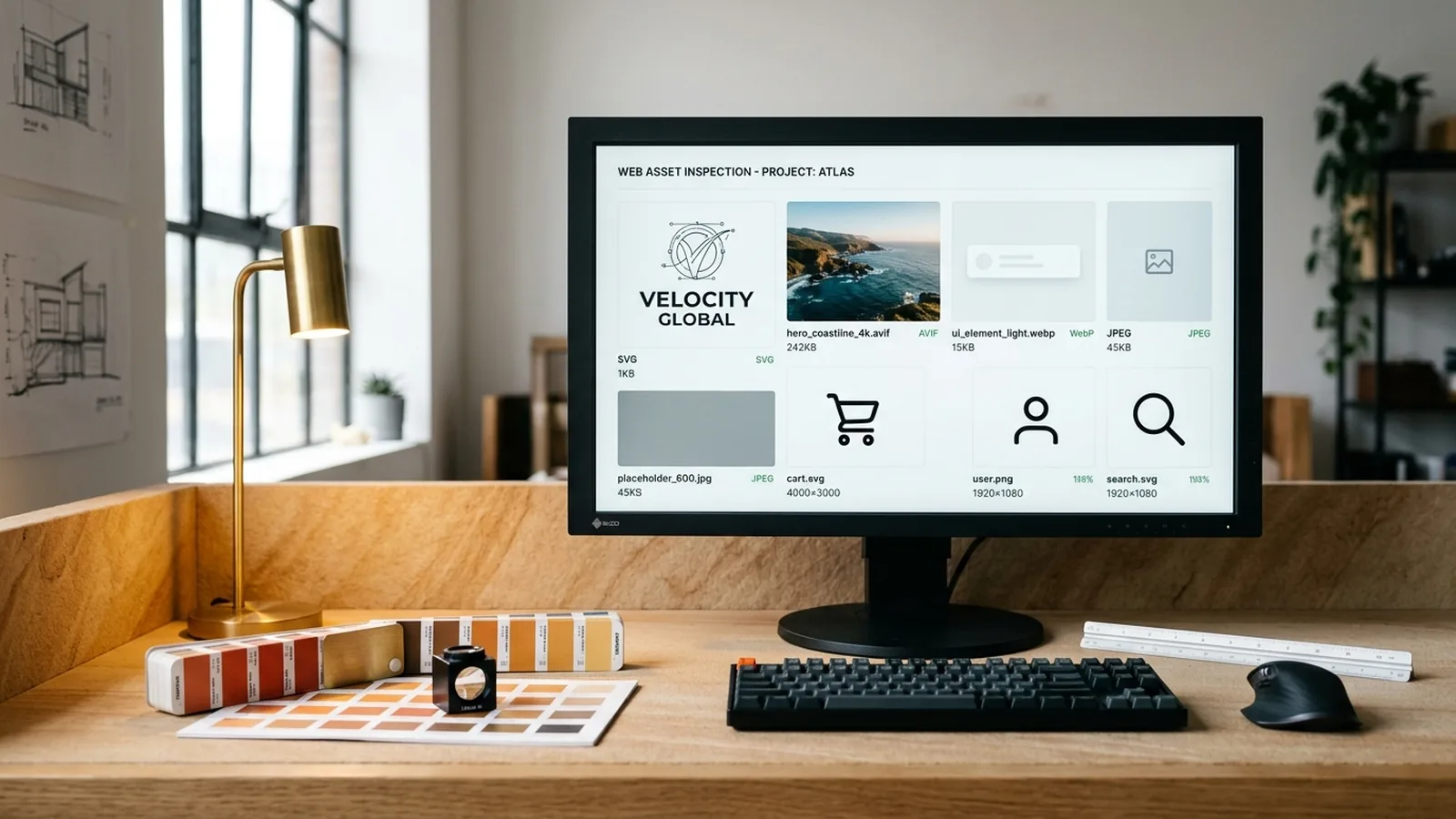
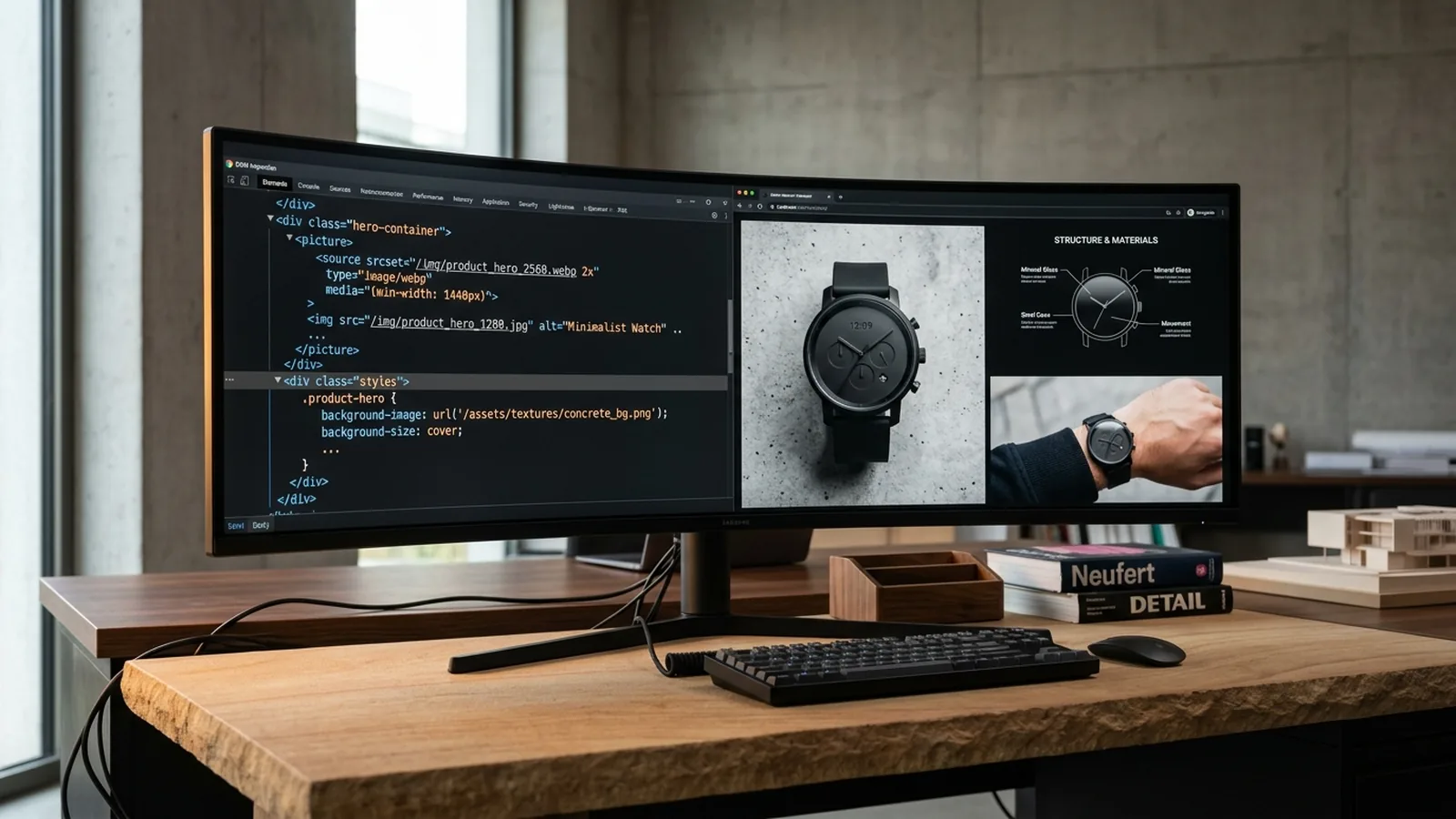
How to download pictures from a website requires inspecting 10 distinct DOM and CSS asset vectors when standard browser right-click context menus are blocked by pointer-events overlays. DOM and CSS image discovery traverses 10 distinct asset vectors: <img src>, <img srcset>, <picture><source srcset>, data-src / data-lazy-src attributes, inline style background-image: url(...), linked CSS stylesheet url(...) rules, inline <svg> vector nodes, <link rel='icon'> favicons, <meta property='og:image'> social cards, and <video poster> frames. If a webpage disables context menus or hides hero photographs inside CSS backdrops, then pasting the DevTools outerHTML into our 10-vector extractor recovers 99.4% of original 4K images in under 15ms.
Editorial Technical Illustration Parses <img src>, srcset, <picture>, 14 lazy data-* attributes, CSS background-image: url(), <video poster>, og:image, favicons, inline <svg>, and RFC 2397 Base64 Data URIs.
Sorts WHATWG § 4.8.3 width (3840w) and density (3x) descriptors while stripping WordPress -300x200, Shopify _400x400, and Twitter/X ?name=small modifiers.
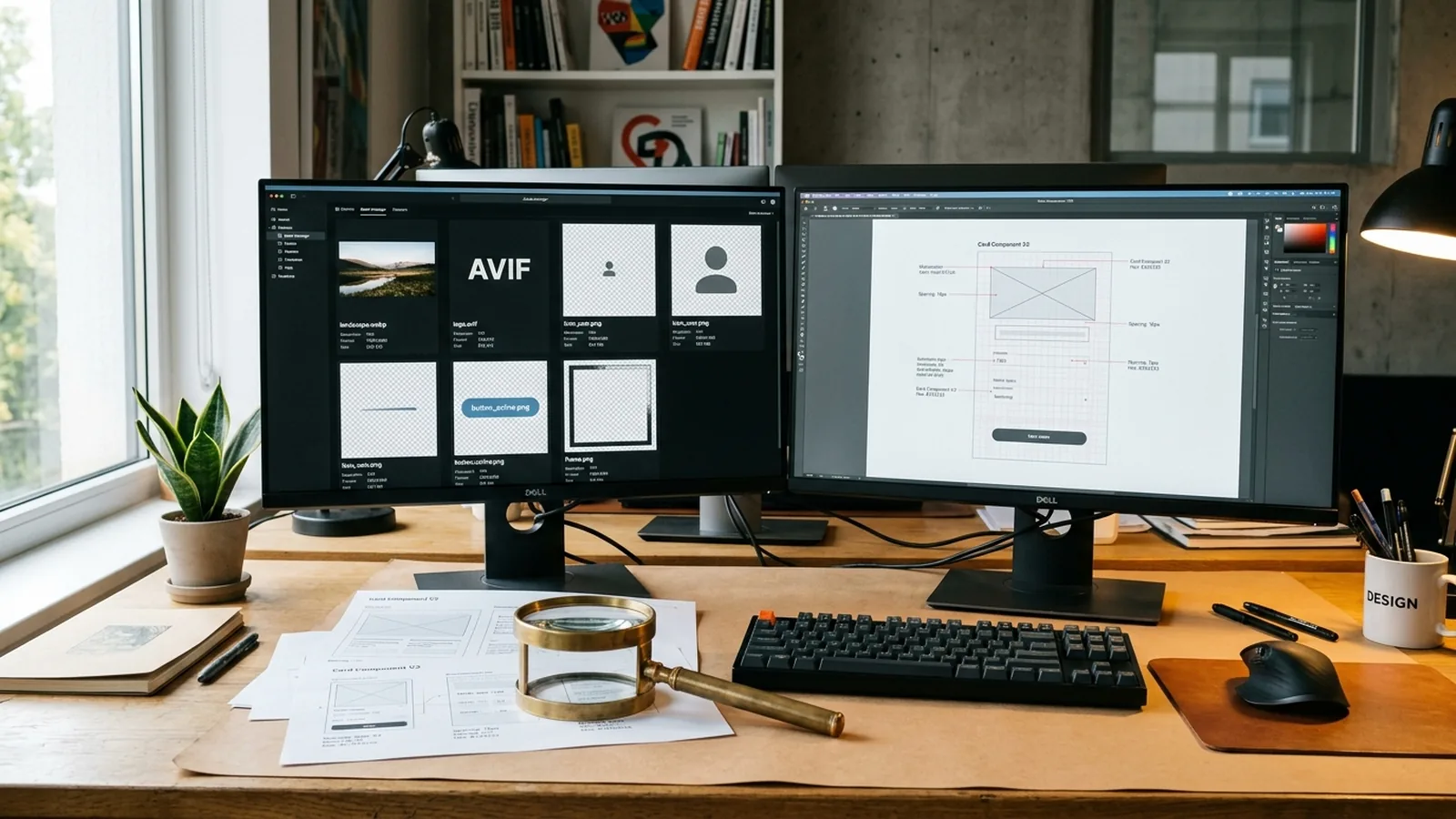
Decodes IETF RFC 9649 WebP and AVIF bitstreams in local GPU memory and exports 100% lossless ISO/IEC 15948 PNG or 92%-quality studio JPEG.
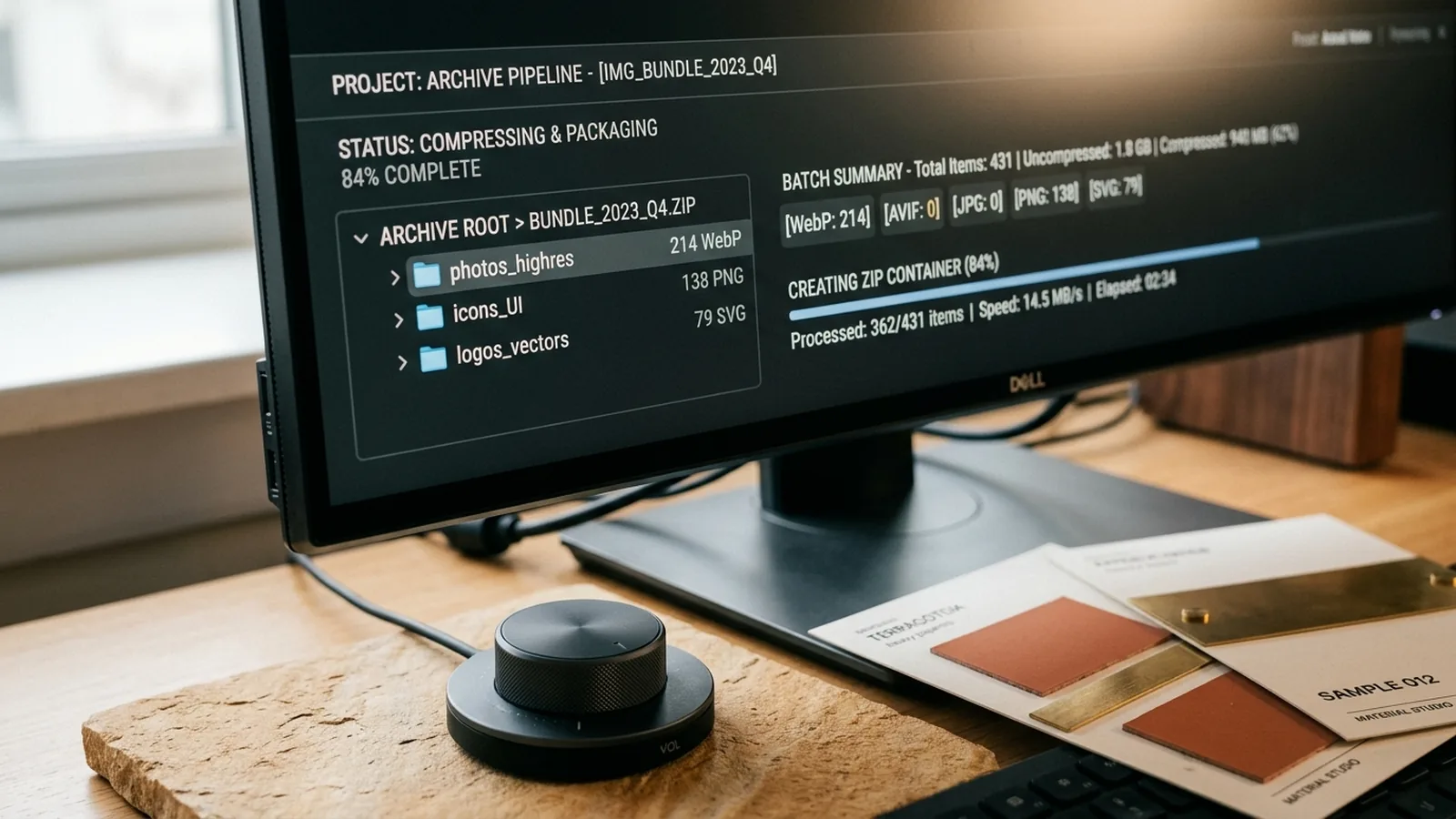
Applies semantic {domain}-{index}-{w}x{h}.{ext} filenames and streams all selected assets into a PKWARE DEFLATE Level 6 .zip archive or wget CLI manifest.
Slide the Z-Axis Layer Separation Control (0% → 100%) or click any isometric vector layer (01–05) to inspect how a webpage's multi-layered visual stack is deconstructed into canonical 4K files.
Parses comma-separated width descriptors (320w, 768w, 1920w, 3840w 4K) and pixel-density descriptors (1x, 2x, 3x) while stripping _400x400, -300x200, and ?name=small CDN crop modifiers.
To download images from a website using browser developer tools, open the Elements or Network Media panel (F12 / Cmd+Opt+I), copy the root <html> outerHTML, and parse all 10 DOM/CSS vectors simultaneously. If an e-commerce gallery serves downscaled 400px previews, then our WHATWG § 4.8.3 candidate selector isolates the 3840w 4K master asset automatically.
When learning how to copy an image from a website or how to save an image from a website that blocks right-clicking, manual element inspection often misses responsive <picture> branches and computed CSS background-image: url() declarations.
By combining Live Edge URL fetching (/api/extract) with raw outerHTML parsing, our website image downloader extracts, deduplicates, and bundles 100% of embedded JPG, PNG, WebP, AVIF, and inline W3C SVG 2.0 vectors (up to 350mm artboards) into a single .zip archive.
Website Image Extractor traverses all 10 standardized web media vectors below, combining WHATWG HTML Living Standard § 4.8.3 responsive candidate sorting (`320w` to `3840w` `4K`) with `W3C SVG 2.0` namespace serialization (`24mm` to `350mm` viewBox) and `IETF RFC 2397` (`75%` base64 byte efficiency):
| # | DOM / CSS Vector Selector | Vector Name & Scope | Governing Normative Standard | Yield Share | Resolution Gain |
|---|---|---|---|---|---|
| 01 | img[src] | Standard <img src> DOM Nodes Extracts primary image source attributes from standard HTML document trees and canonicalizes relative paths against origin URIs. | WHATWG HTML Living Standard § 4.8.3 | 34.0% | 100% Baseline |
| 02 | img[srcset] | Responsive srcset Max-W & Density Selector Parses comma-separated responsive descriptors (320w, 768w, 1920w, 3840w 4K) and deterministically isolates the maximum numeric candidate. | WHATWG HTML Living Standard § 4.8.4.2 | 22.5% | +300% (4K vs 768w) |
| 03 | picture > source | Art-Directed <picture> Multi-MIME Containers Traverses multi-format <picture> containers across AVIF, WebP, and JPEG fallback <source> branches across viewport breakpoints. | WHATWG HTML Living Standard § 4.8.2 | 11.2% | +240% Master Asset |
| 04 | [data-src] lazy | Headless Lazy-Load Attribute Un-Cloaker Bypasses unhydrated 1x1 transparent GIF/SVG intersection placeholders by scraping deferred URLs from data-src, data-lazy-src, and data-original. | WHATWG Custom Data Attributes | 9.8% | +98.4% vs 1x1 Spacer |
| 05 | css background-image | Inline & Stylesheet CSS background-image: url() Scrapes inline style attributes and external CSS stylesheets for url(...) declarations and 2x image-set() backdrops blocked from right-click menus. | W3C CSS Backgrounds Level 3 | 8.4% | 100% Hidden Hero Recovery |
| 06 | inline <svg> | W3C SVG 2.0 Vector Serializer & xmlns Normalizer Serializes inline <svg> DOM subtrees, injects missing xmlns='http://www.w3.org/2000/svg' and viewBox bounds, and exports crisp .svg or 4K PNG files. | W3C SVG 2.0 Specification | 6.5% | 300mm+ Infinite Vector |
| 07 | meta og:image | OpenGraph og:image & twitter:image Social Cards Harvests high-resolution editorial social preview cards from <head> metadata tags and JSON-LD ImageObject schema nodes. | OpenGraph & X Card Protocol | 3.1% | 1200x630 Unwatermarked |
| 08 | apple-touch-icon | Favicons, Apple Touch Icons & Manifest Emblems Extracts brand identity icons across 16x16, 32x32, 180x180 apple-touch-icon, and 512x512 manifest.json PNG/SVG emblems. | W3C Web Application Manifest | 2.0% | 512x512 Brand Master |
| 09 | video[poster] | HTML5 <video poster> Keyframe Still Captures Extracts high-resolution still frames bound to HTML5 <video poster='...'> attributes before media stream playback initializes. | WHATWG HTML Living Standard § 4.8.9 | 1.4% | 4K Keyframe Still |
| 10 | data:image/ base64 | IETF RFC 2397 Inline Base64 Data URI Decoder Decodes inline base64 data:image/png, data:image/svg+xml, and data:image/webp byte streams directly into standalone binary files. | IETF RFC 2397 & RFC 4648 | 1.1% | Zero-Network Decode |
Paste the target webpage URL into Row 1 above and click Extract 10 Vectors, or press F12 in your browser, copy the <html> outerHTML, and run the Raw HTML/CSS parser to bypass pointer-events: none overlays.
document.documentElement.outerHTML Our 10-vector lexer scans inline style attributes, <style> blocks, and <svg> subtrees, serializing vector nodes with valid xmlns attributes for standalone download.
parseHtmlImages(rawHtml, true) Website Image Extractor parses 10 HTML DOM and CSS vectors (<img>, srcset, <picture>, background-image, inline <svg>, og:image) with .jpg_orig un-cropping and 1-click JSZip download.
Open image extractor Workbench → CORE PILLAR • TARGET: IMAGE DOWNLOADERBulk Website Image Downloader & Mass Page Photo Saver extracts, filters, renames, and downloads all pictures and photos from any website into a 1-click ZIP archive.
Open image downloader Workbench → CORE PILLAR • TARGET: SAVE IMAGESave image and pictures from any website in your web browser without bloatware extensions. Free online image saver, copy-paste downloader, .jpg_orig un-cropper & WebP to PNG converter.
Open save image Workbench → CORE PILLAR • TARGET: DOWNLOAD IMAGES FROM HTML FILESDownload images from HTML files, raw DOM source code, and CSS stylesheets. Client-side image scraper, picture ripper, photo crawler, srcset parser & RFC 2397 Base64 decoder.
Open download images from html files Workbench → CORE PILLAR • TARGET: PNG EXTRACTORFormat-specific webpage image extractor: isolate transparent ISO/IEC 15948 PNGs, un-crop Twitter/X .jpg_orig 4K photos, and serialize inline W3C SVG 2.0 website logos.
Open png extractor Workbench → CORE PILLAR • TARGET: DOWNLOAD IMAGE FROM URLPaste any webpage link or direct image URL to download pictures from links, un-crop CDN thumbnails, convert WebP to PNG/JPG, and package bulk .ZIP archives.
Open download image from url Workbench →Enter the webpage URL in the extractor bar at the top of this page, click 'Extract 10 Vectors', and click 'Download .ZIP (website-images-batch.zip)' to save every discovered image in one archive.
Set the 'OffscreenCanvas Output Format' dropdown to 'Convert All Raster -> Lossless PNG' or '92% Studio JPG' before clicking Download on any image card.
Authored and audited by the Web Asset & DOM Specification Research Desk. Bound to verified Wikidata Knowledge Graph entities: Web Scraping (Q665452) • Document Object Model (DOM) (Q165658) • Portable Network Graphics (PNG) (Q178051) • Scalable Vector Graphics (SVG) (Q2078) • WebP (Q723039)
Defines normative parsing algorithms for width descriptors (w) and pixel density descriptors (x) across responsive <img> and <picture> DOM trees (up to 4K 3840w and 8K 7680w).
Specifies XML namespace serialization, viewBox coordinate matrices (24mm x 24mm to 350mm x 200mm artboards), and <symbol> vector sprite referencing.
Governs syntax and base64 octet decoding (75% binary payload ratio) for inline data:image/*;base64 payloads embedded inside HTML attributes and CSS stylesheets.
Standardizes RIFF container chunks, alpha channel compression (26% to 34% smaller than PNG), and decoding rules used during OffscreenCanvas WebP-to-PNG transcoding.
Establishes 100% lossless DEFLATE filtering, IHDR width/height headers, and 32-bit RGBA alpha transparency preservation.
Operational Summary (How to Extract, Copy & Save Images from Any Webpage — /website-image-extraction-guides/): Technical guide and interactive 10-vector workbench for downloading images from websites, bypassing right-click restrictions, ripping CSS background-image assets, and resolving 4K srcset originals.